Where the 27-inch format earns its space
A 27-inch interface can reduce crowding when work instructions, service menus and input controls share one screen. It is not automatically right for every console. If the operator sits close to the display or the enclosure is narrow, compare smaller formats in the commercial touch PC range. Test the actual layout at its intended scale, with the most-used controls within comfortable reach.
Treat 27 inches as a display class, not a cabinet opening or complete system specification. The useful question is whether the extra canvas improves the task enough to justify the panel footprint and mounting depth. If size remains open, review related formats on the commercial all-in-one touch PC page before fixing the equipment drawing.
Choose Android or Windows around the workload
Android and Windows are configuration options, not a promise that one unit runs both systems. Define the application, required operating system version, expected workload, peripherals and drivers before comparing hardware. Alihh can configure an Android or computer motherboard platform; the quotation should list the proposed processor, memory, storage and software environment.
Ask what SDK functions and developer documentation are available for the proposed build, and test integration with your own software team. Custom application development, third-party licenses, OS images and ongoing maintenance should be itemized separately when they fall outside the hardware supply. A clear software boundary makes configurations easier to compare.
Make the enclosure brief drawing-led
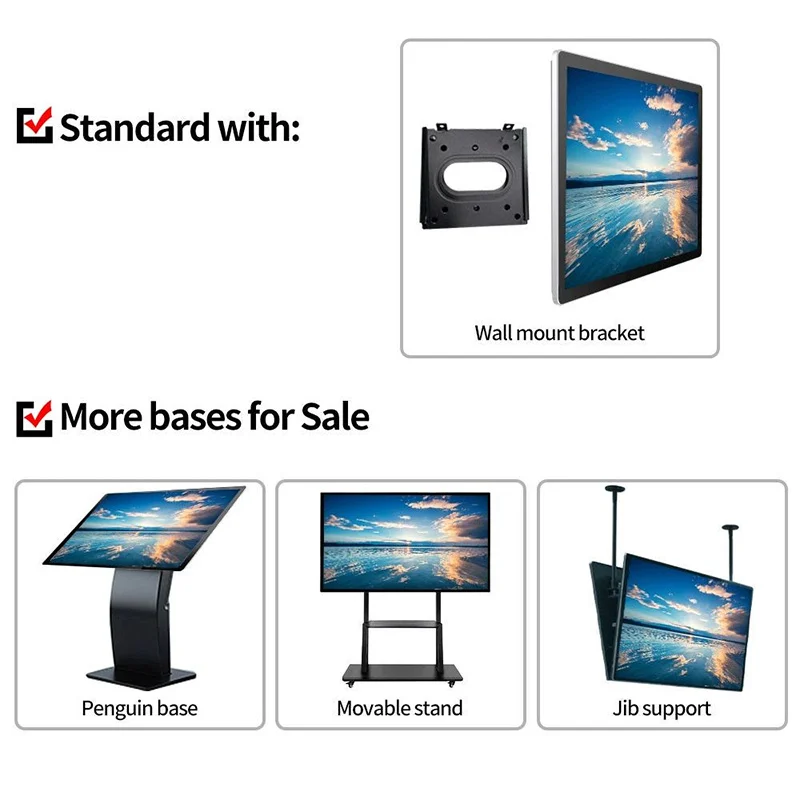
A screen diagonal does not define a cutout. Share the available width, height and depth, preferred orientation, mounting arrangement and required connector positions. Request an outline drawing with fixing locations before releasing furniture or cabinet drawings.
Plan access for connectors, cable bends and unit removal. State dust, moisture, vibration, impact and cleaning conditions in the brief so suitability can be assessed for that environment. A sample in a representative opening helps verify bezel clearance and operator reach; do not infer protection from a product photograph.
Set acceptance checks for touch and connected devices
The listed input is ten-point capacitive touch. Evaluate it with your real interface, including small controls near screen edges. Where gloves, a stylus or a protective overlay are essential, specify the materials and ask for a demonstration on the proposed configuration.
List each peripheral, its connection and the application that uses it. Run startup, normal-operation and power-recovery checks on the sample in the intended orientation. Record touch behavior separately from application response; a touch demonstration does not establish total system latency.
Deployment decisions belong in the project file
Deployment covers power provision, mounting hardware, cable routing, operating-system image, application installation, update responsibility and cleaning method. Name the party responsible for each item before production.
For multiple stations, agree a unit list and asset labels so the delivered configuration matches each location. Request documentation for the quoted build and keep acceptance records with the drawing, software version and peripheral list used for the test.
Send a reviewable RFQ for the 27-inch unit
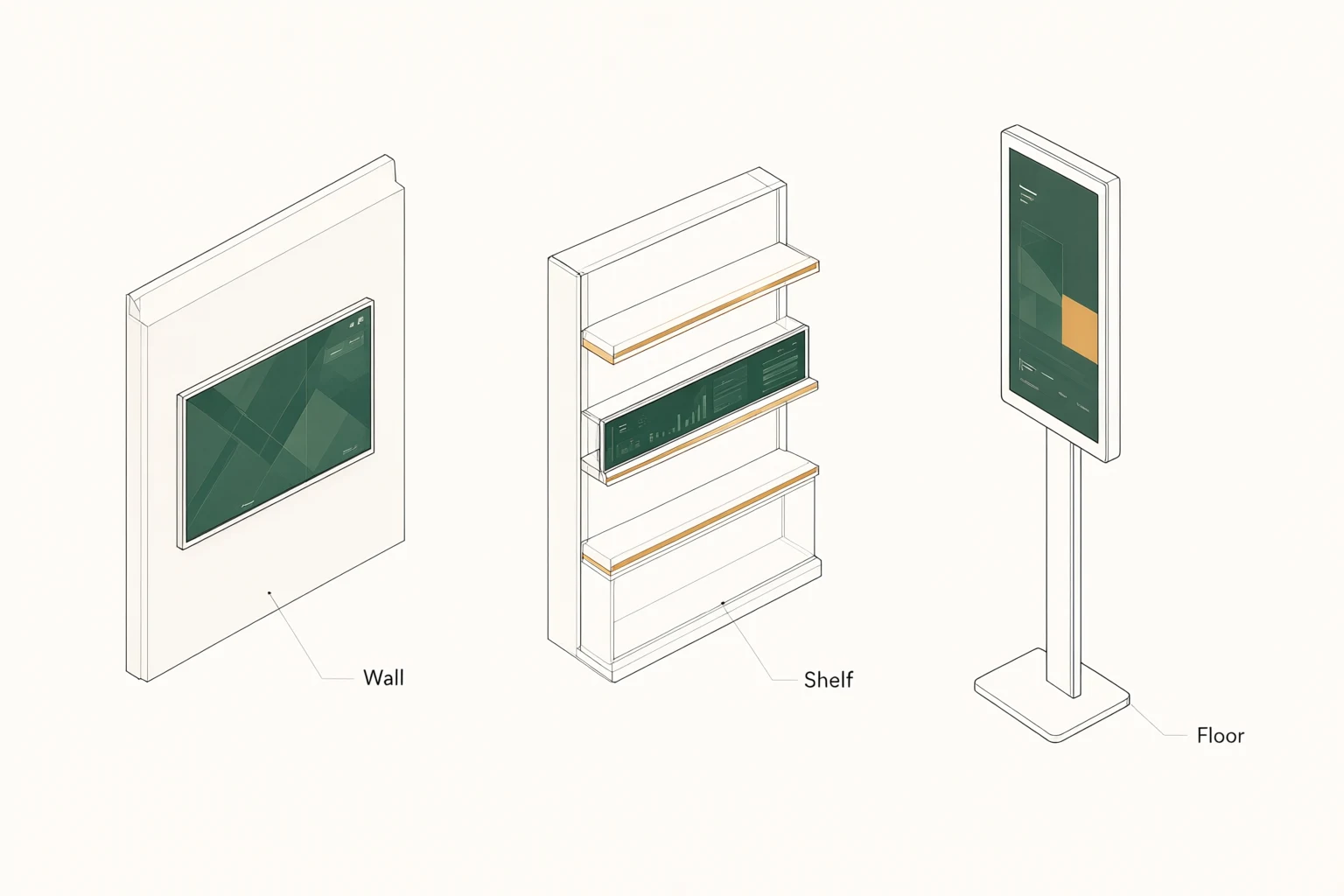
Include quantity, destination country, installation drawing, Android or Windows choice, application workload, proposed processor, memory and storage, peripheral list, environmental conditions and any branding or enclosure changes. Say whether you need a sample and which documents must accompany the quotation.
Review the OEM/ODM options if the project needs enclosure or branding work. Send the 27-inch touch panel PC brief with your drawing and application notes so Alihh can quote the configuration and identify items that still require confirmation.
Frequently asked questions
Can this panel PC run our Windows application?
Windows is an available configuration option. Send the application, required version, hardware expectations and peripheral list so the proposed build can be reviewed. A sample demonstration using your software is the practical check before a larger order.
How should we evaluate the touch interface?
Test the proposed unit with your actual interface, including controls near the screen edges. If gloves, a stylus or a protective overlay are required, provide the exact materials and ask for a demonstration. Check touch behavior and application response as separate acceptance items.
Can the unit be matched to our enclosure?
Provide the available width, height and depth, mounting arrangement, orientation and connector requirements. Mounting feasibility, bezel clearance and fixing positions should be agreed from the proposed unit drawing rather than a product photograph.
What should the first RFQ include?
Start with quantity, destination, installation drawing, Android or Windows preference, application workload, peripheral list and environmental conditions. Add branding requirements, sample needs and any documents required with the quotation.
Product references